

AWS Lambda is a serverless computing service provided by Amazon Web Services (AWS). It allows you to run code in response to events without having to manage servers. With AWS Lambda, you can build applications that automatically scale, handle tasks, and respond to events as needed, all while only paying for the compute time consumed during the execution of your code.
Elasticsearch is an open-source distributed search and analytics engine. It is designed to store, search, and analyze large volumes of data quickly and in near real-time. Elasticsearch is part of the Elastic Stack, which includes components like Logstash, Kibana, and Beats, often used together for various data-related tasks.
Steps to create Lambda-based API for ElasticSearch using API Gateway.
Prerequisites:
1 AWS Account: You need an AWS account to create Lambda functions and other AWS services.
2 Elasticsearch Domain: Create an Amazon Elasticsearch domain using the AWS Management Console. Note down the endpoint URL of your Elasticsearch cluster.
3 Java Development Environment: Make sure you have Java and Maven installed on your local machine.
4 AWS CLI: Install the AWS Command Line Interface to interact with AWS services.
Step-by-Step Guide:
- Add Dependencies:
In your Java project, you need to add the Elasticsearch Java High-Level REST Client , AWS Lambda Java Core, AWS Java SDK as a dependency. If you’re using Maven, add the following to your pom.xml:
<dependencies>
<dependency>
	    <groupId>org.elasticsearch.client</groupId>
	    <artifactId>elasticsearch-rest-high-level-client</artifactId>
	    <version>7.17.6</version> <!-- Use the version compatible with your Elasticsearch cluster -->
	</dependency>
<dependency>
	    <groupId>com.amazonaws</groupId>
	    <artifactId>aws-lambda-java-core</artifactId>
	    <version>1.2.1</version>
	</dependency>
<dependency>
	    <groupId>com.amazonaws</groupId>
	    <artifactId>aws-java-sdk-s3</artifactId>
	    <version>1.12.400</version>
	</dependency>
</dependencies>
Make sure to replace the version with the one compatible with your Elasticsearch version.
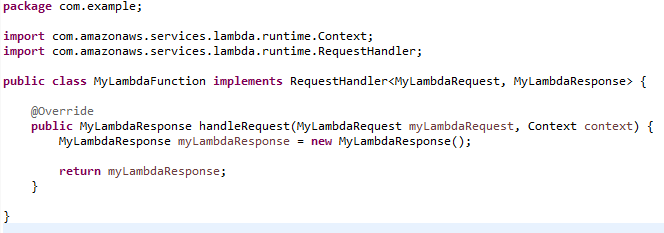
- Create Lambda Function:
- Configure the Elasticsearch Client:
Step 1: Create ES Client Request as mentioned below.

import org.elasticsearch.client.Request;Request request = new Request("GET", "your_index/_search");
To get list of indexes use: request = new Request("GET","_cat/indices");

Step 2: Instantiate AWS Signer with necessary parameters,

import com.amazonaws.auth.AWS4Signer;
AWS4Signer signer = new AWS4Signer();
signer.setServiceName("aws.serviceName");
signer.setRegionName("aws.region");

Step 3: Intercept Request with AWS Credentials
      import org.apache.http.HttpRequestInterceptor;
import com.amazonaws.auth.AWSStaticCredentialsProvider;
import com.amazonaws.auth.BasicAWSCredentials;
Http RequestInterceptor interceptor = new AWSRequestSigningApacheInterceptor("aws.serviceName",
signer,new AWSStaticCredentialsProvider(new BasicAWSCredentials("aws.accessKey","aws.secretKey")));
Step 4: Create an Elasticsearch client. You can set up the client with connection details,such as the Elasticsearch cluster's endpoint and any necessary authentication.

import org.apache.http.HttpHost;import org.elasticsearch.client.RestClient;
import org.elasticsearch.client.RestClientBuilder;
RestClientBuilder restClientBuilder = RestClient.builder(HttpHost.create("aws.es.endPoint")).setHttpClientConfigCallback(e ->
e.addInterceptorLast(interceptor));

Step 5: Perform Elasticsearch Operations:
Once you have the client, you can perform various operations on your Elasticsearch cluster, such as indexing documents, searching, and more.

import org.elasticsearch.client.Response;
Response response = restClientBuilder.build().performRequest(request);

Step 6 : You can upload your Lambda function jar on AWS 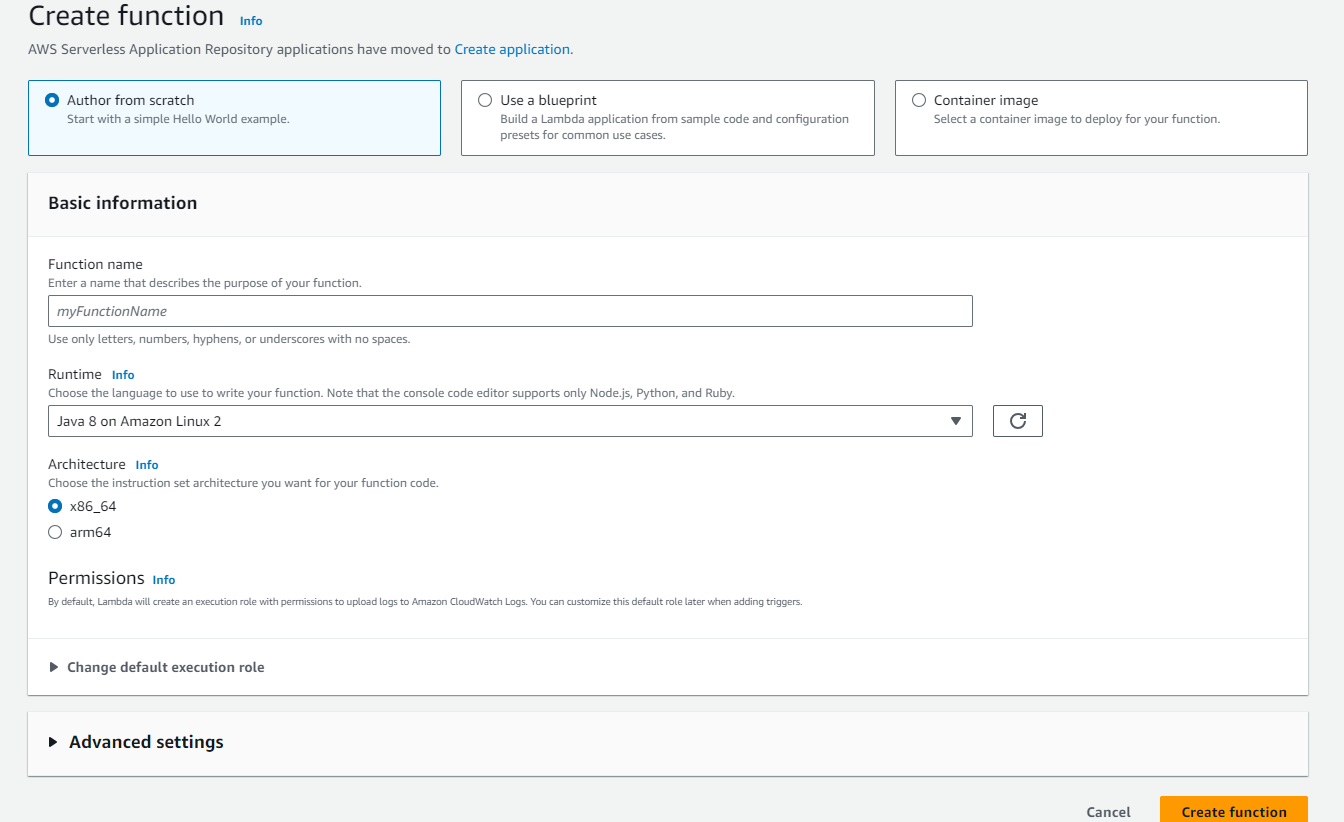
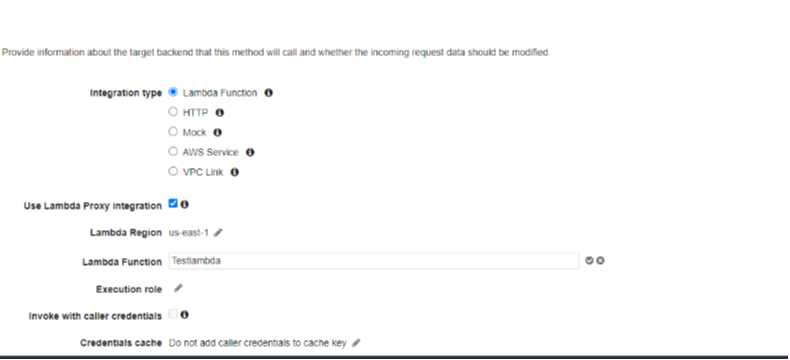
Step 7 : Create API endpoint in API gateway for your Lambda function. We can also secure the API endpoint by configuring APIs with API Key in API Gateway.