

Introduction
Google Gemini isn’t just a tool; it’s like the ultimate Swiss Army knife for the tech world. It’s got everything you need, from cutting-edge AI algorithms to seamless integration across all your favourite Google services. With its ability to understand user intent like never before,
it’s revolutionizing how we search and find information online. Plus, its advanced targeting capabilities are changing the game for digital advertisers, delivering personalized content that truly resonates with audiences. In today’s tech-driven world, Google Gemini isn’t just helpful – it’s essential
Advantages of Choosing Google Gemini Over Other AI Tools:
- A unified experience is achieved through Google’s comprehensive integration across its products.
- Advanced AI algorithms have made user intent clearer than any other time before.
- These various platforms can utilize their functions better due to a seamless integration.
- Digital advertising effectiveness has been completely changed by impactful targeting capabilities.
- Engagement and conversions are driven by personalized, contextually relevant ads.
- Digital experiences have never been the same since Gemini came into being
In this blog, we’ll explore how to implement Gemini within Flutter, Google’s versatile UI toolkit, to revolutionize mobile experiences.
Let’s see how Gemini performs on mobile with Flutter, a Google-developed framework. Flutter’s cross-platform nature ensures smooth integration for Gemini’s features on both Android and iOS.
Getting Started with Gemini in Flutter
Integrating Gemini with Flutter is straightforward. Begin by adding the necessary dependencies and APIs to your Flutter project. Then, make use of Flutter’s user-friendly UI components to effortlessly integrate Gemini’s functionalities into your mobile application.
Be sure to explore the Dart quick start for a thorough, step-by-step setup guide. In summary, here’s what you’ll need to do:
Step 1:
To begin, head over to https://aistudio.google and generate an API key.
Look for the option labelled “Create API key” within your defined project settings. This initial step is crucial for setting up your project.
Quickly test the API by executing a cURL command.
curl \
-H 'Content-Type: application/json' \
-d '{"contents": [{"parts": [{"text": "Write a story about a magic backpack"}]}]}' \ -X POST 'https://generativelanguage.googleapis.com/v1beta/models/gemini-pro:generateContent?key=YOUR_API_KEY'
Step 2:
To integrate the Google AI Dart SDK into your Dart or Flutter app, simply execute either “dart pub add google_generative_ai” or flutter pub add google_generative_ai command. This action automatically adds google_generative_ai as a dependency in your pubspec.yaml file.
Below is the command you can run in your terminal.
flutter pub add google_generative_ai
We add two more packages to achieve required result. Package name is as below.
- url_launcher: ^6.2.6
- flutter_markdown: ^0.6.22+1
Step 3:
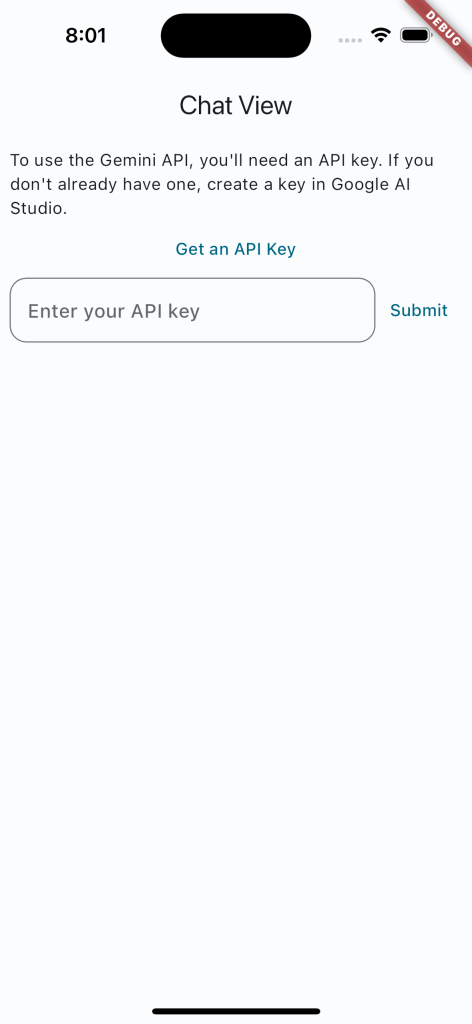
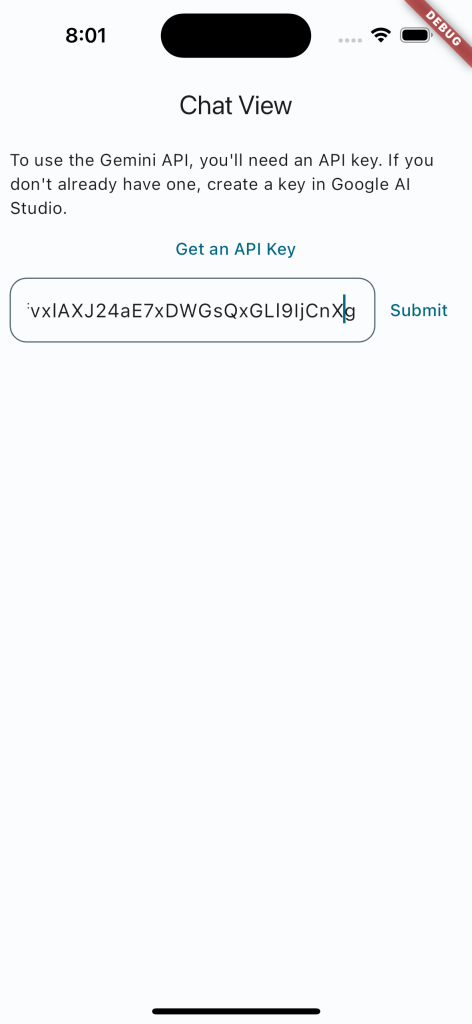
We’ve added a text field where you can input the API key OR you can tap on link to generate API key from Google AI Studio.
Link(
uri: Uri.parse('https://makersuite.google.com/app/apikey'),
target: LinkTarget.blank,
builder: (context, followLink) {
return TextButton(
onPressed: followLink,
child: const Text('Get an API Key'),
);
},
),
TextField(
decoration:
textFieldDecoration(context, 'Enter your API key'),
controller: _textController,
onSubmitted: (value) {
onSubmitted(value);
},
),
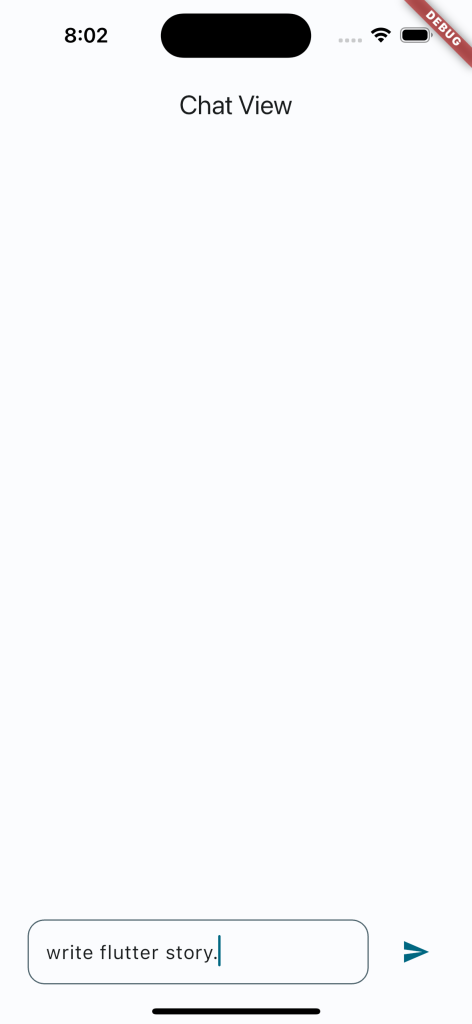
Additionally, we’ve included a text field for your query input and a submit button to retrieve data from Google Gemini.
Expanded(
child: TextField(
autofocus: true,
focusNode: _textFieldFocus,
decoration:
textFieldDecoration(context, 'Enter a prompt...'),
controller: _textController,
onSubmitted: (String value) {
_sendChatMessage(value);
},
),
),
After submitting your query in the input field, the app activates the Google Gemini API to fetch the desired result for you.
The app quietly sends API requests to Google Gemini packages in the background to retrieve the desired results.
Here we have added few images for your references.

Conclusion:
In summary, integrating Google Gemini into your Flutter app offers a wealth of benefits. With its robust features and advanced targeting options, you can maximize revenue while providing users with engaging experiences.
Using Google Gemini in your Flutter app helps you make money while giving users better ads. It’s easy to use and boosts your app’s earning potential. So, why not give it a try and start earning more today?
